
5
min read
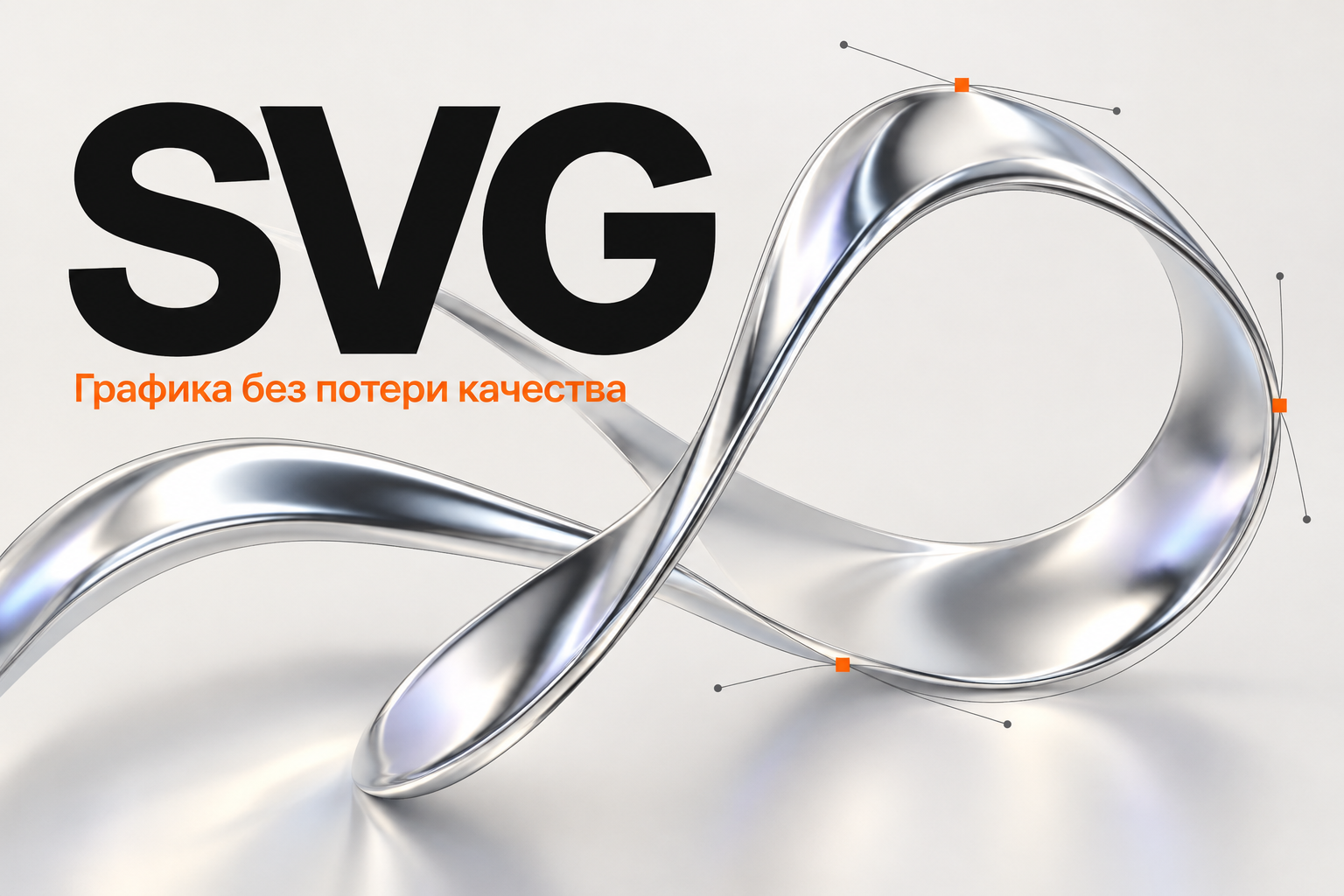
SVG is a vector graphics format describing images through elements and their properties. It suits many logos, icons, diagrams and simple illustrations.
Its main advantage is resizing geometry without the usual pixelation of raster images. Not every SVG is automatically small, fast or safe.
How SVG differs from PNG and JPEG
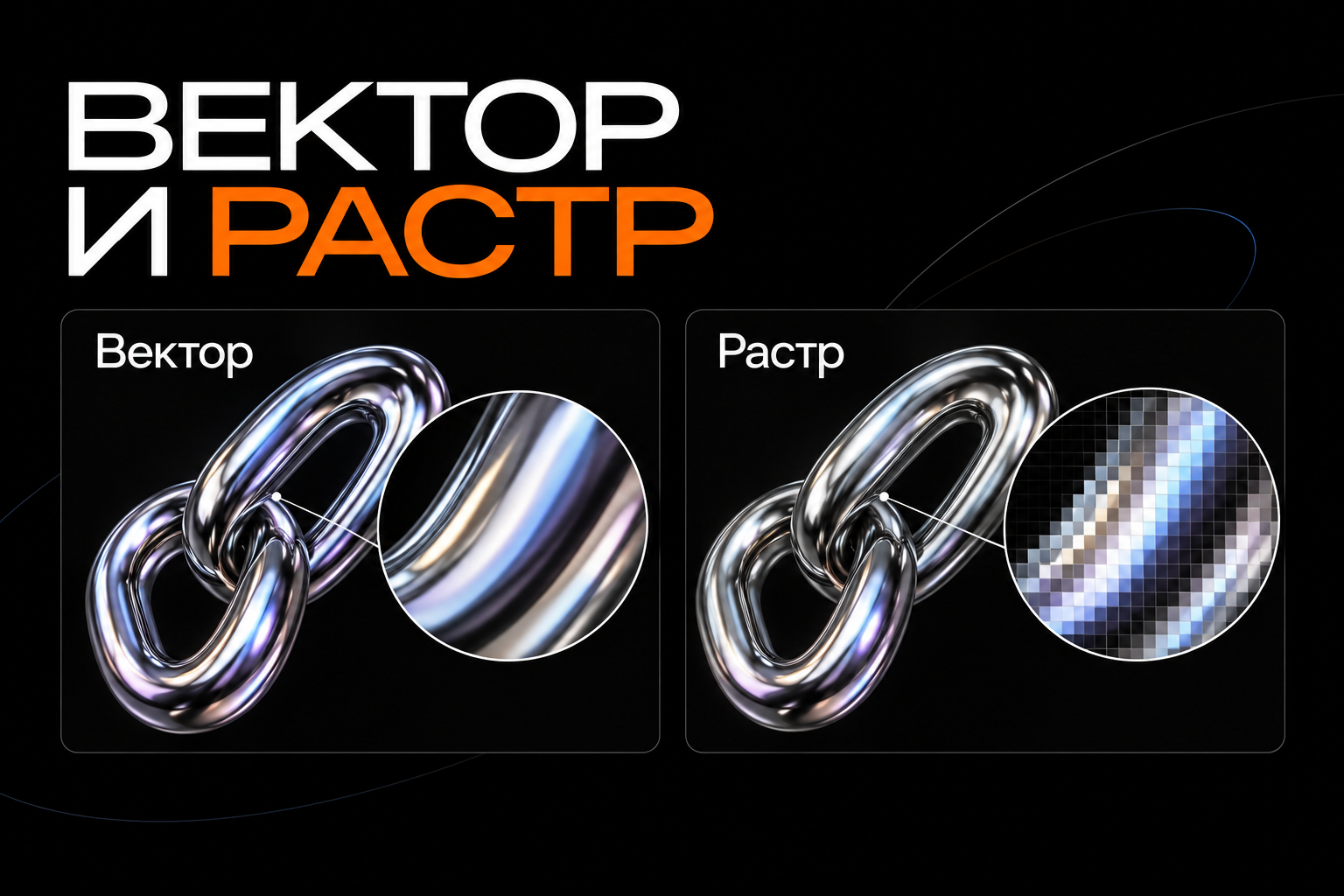
Raster images consist of pixels, so source detail limits heavy enlargement. Vectors describe lines, shapes and other elements rendered by the browser.
SVG may contain embedded raster images. A photograph does not gain unlimited resolution just because it is inside an SVG.
Choose the format for the content. Photos usually suit a raster format; simple marks and geometric diagrams may suit vectors.
Where SVG helps
Logos and icons
One source can serve multiple sizes, but check the details. Very thin lines may not work at a small scale.
If an icon acts as a button, its purpose must be understandable to users and assistive technology. The format alone cannot explain its function.
Diagrams and charts
Vectors suit crisp connections, arrows and labels. Many elements can increase file and rendering complexity.
Plan mobile readability. Scaling the whole image does not always keep text comfortable to read.
Decorative shapes
An abstract outline, divider or simple pattern can use vectors. Do not announce every decorative part as content.
Use empty alt text for ordinary decorative images. Meaningful graphics need a useful description or text equivalent.
Preparing the file
Check the source
Identify genuine vectors, embedded images, filters and external dependencies. Confirm you have permission to use the graphic online.
Do not download a random file merely because it resembles a familiar icon. SVG is a text format capable of more than displaying a simple picture.
Set the image bounds
Check the viewBox and aspect ratio. Extra space around the artwork can cause unexpected layout gaps.
Check clipping separately: shadows, strokes and parts of the mark should not disappear outside incorrect bounds.
Consider text
Text in SVG may depend on a specific font. Converting it to outlines preserves shape but removes normal text editing.
Keep important interface labels as page text where possible. Provide a useful description for illustrations containing embedded labels.
Remove unnecessary data and verify
Exports can contain editor metadata and redundant elements. Optimisation helps when it does not change the image.
Compare original and optimised versions at several sizes. Check strokes, fills, transparency and accessibility.
Adding SVG to a website
SVG can be linked as an image, used decoratively or embedded in markup. The method affects accessibility, styling and risks.
A logo often needs only an image with suitable alt text. Inline SVG offers more control but needs careful preparation.
Do not embed unchecked SVG code from an unknown source. Depending on how it is used, it may contain scripts, links and external resources. Handle user uploads separately with security in mind.
Browser checklist
- Proportions are preserved.
- There is no unintended empty space.
- Fine details remain legible at the intended size.
- The file works on light and dark backgrounds.
- The description matches the image's role.
- The artwork does not depend on a missing font.
- No unexpected external resources are loaded.
Common mistakes
Turning a complex photographic illustration into thousands of vector objects produces a heavy file. Shrinking a logo without checking details loses clarity. Outlining text can lead to overlooked accessibility.
Another mistake is assuming SVG is always faster than PNG. Complexity, file size and rendering method matter.
Frequently asked questions
Does SVG suit every image?
No. Photos and complex textures often suit raster images better.
Can SVG be animated?
Yes, but motion should support the purpose, with performance and accessibility checked.
Choosing a format
Consider the graphic's role, working sizes and complexity. We can prepare a logo, icon or diagram and its integration method for the specific interface.