
5
min read
Taplink is a service for creating a compact page bringing together information about you, links and visitor actions. This is often called a link-in-bio page.
Several buttons alone do not make it usable. If every link looks equally important, visitors must choose without guidance. Start with a priority: what should they do first?
What Taplink can help with
A page can combine an offer, contact details, content links and other sections. Additional features, including forms and payments, depend on the plan and settings.
Check the features you need against the service's current terms. Prices and plan details in older articles may have changed.
A tutor may only need lesson details, booking terms and a contact button. A school with several programmes, content and complex navigation should assess a more detailed structure.
Prepare content before styling
Describe where visitors come from and what they already know. Someone following a specific post may expect a resource link; a new follower may need a brief introduction.
Choose the primary action: booking, requesting terms or visiting a catalogue. Other links should support rather than compete with it.
Prepare current terms, images and button labels. “View the programme” or “Book a consultation” is clearer than “Click here”.
Structuring the page
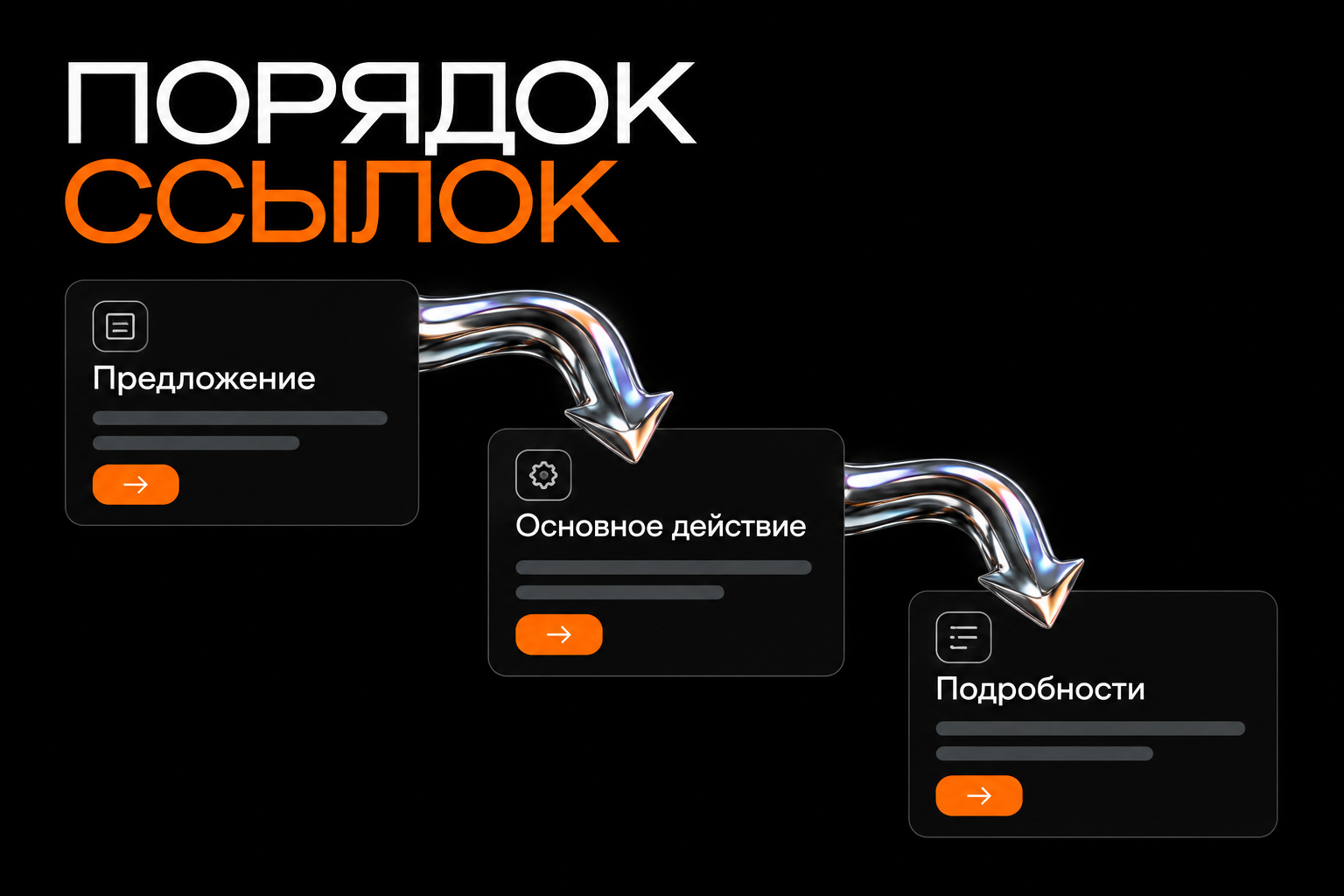
The introduction
Say who you are and how you help. A short offer should explain the benefit rather than list every role and achievement.
If an action requires payment or approval, show the necessary terms early. Do not hide an important limitation several clicks away.
The primary action
Highlight one priority button with a clear label, visible styling and an appropriate position. It need not be enormous.
Check its destination. A booking button should lead to an actual booking process, not merely a general social profile.
Additional links
Group links by purpose: programmes, resources and contacts. Remove outdated offers and duplicates.
Assign responsibility for updates if links change regularly. An outdated schedule creates avoidable questions and enquiries.
Building the page
Create an account, choose a suitable starting layout and add your prepared sections. Configure colours, images and the order of actions.
Check domain connection, forms, payments and other features for your plan. For payments, review the provider's terms and purchase confirmation process separately.
After saving, open the public page and test every link, not just its appearance. Published content and editing mode have different URLs.
When you need a full website
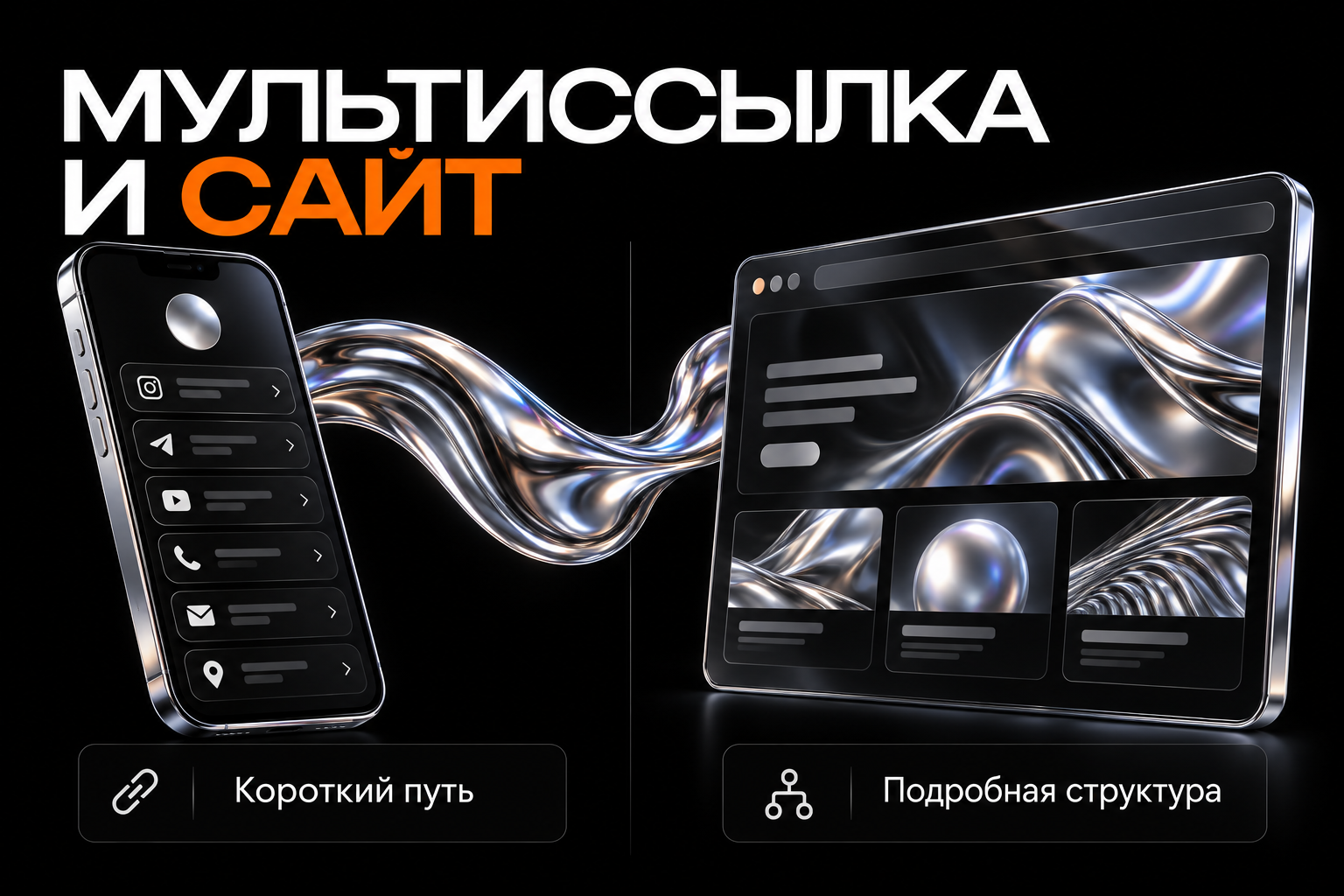
A link-in-bio page suits a compact task where visitors do not need to compare multiple offers in depth. It can connect social media with other resources.
If you need separate service pages, a large catalogue, articles, complex forms or specialised journeys, compare it with a website. Choose based on content and management rather than assuming one tool is always better.
Do not assume identical SEO opportunities for every service page. Assess your own domain, available settings and structure if organic search matters.
Before sharing the link
- Can someone unfamiliar with you understand the offer?
- Is the primary action obvious?
- Are button labels readable on a smartphone?
- Do contacts and resources open?
- Do the terms match the real offer?
- Do forms and confirmations work?
- Is the measurement approach clear?
Use consistent campaign tag names. Different versions of the same link can complicate comparisons.
Common mistakes
Overloading turns a short journey into a list of everything ever published. Random colours weaken hierarchy and long labels make buttons awkward.
Another mistake is styling without testing. Even a tidy page can lead to a restricted resource or outdated phone number.
Frequently asked questions
Is Taplink only for social media?
No. Its link can be used in other channels, provided the page matches the visit's context.
Can I build a link-in-bio page on Tilda?
Yes. Other platforms can also build compact pages. Compare the required features, management and costs.
Choosing the format
Describe the visitor journey and amount of information. We can create a clear short page or plan a full website if the offer needs more explanation.