
5
min read
Tilda lets you build pages without creating every detail from scratch. Platform selection starts with the business outcome—enquiries, sales, publishing or content access—rather than appearance alone.
Service websites and complex applications have different requirements. This article considers suitable Tilda projects, extra solutions and checks before commissioning development.
Projects that suit Tilda
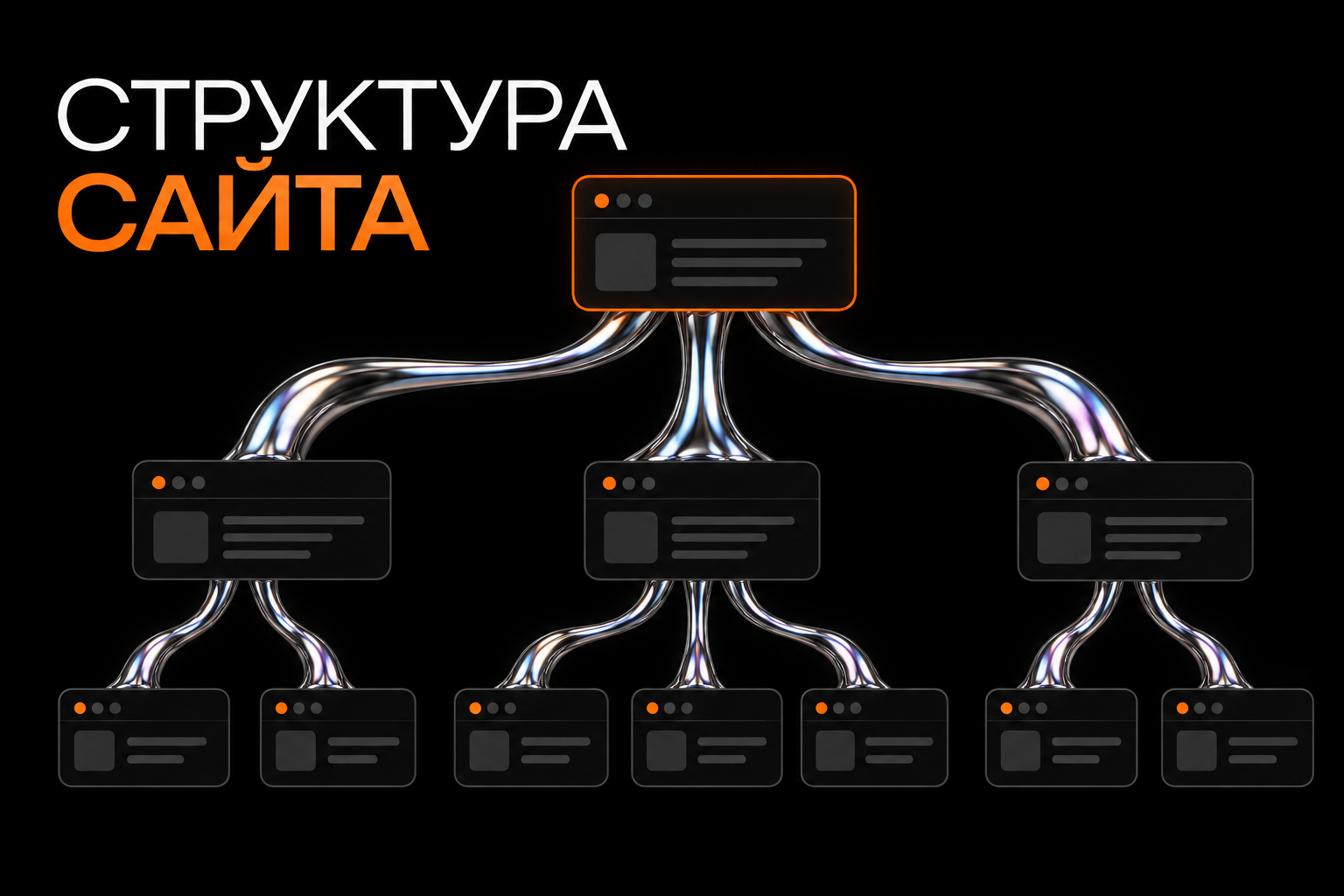
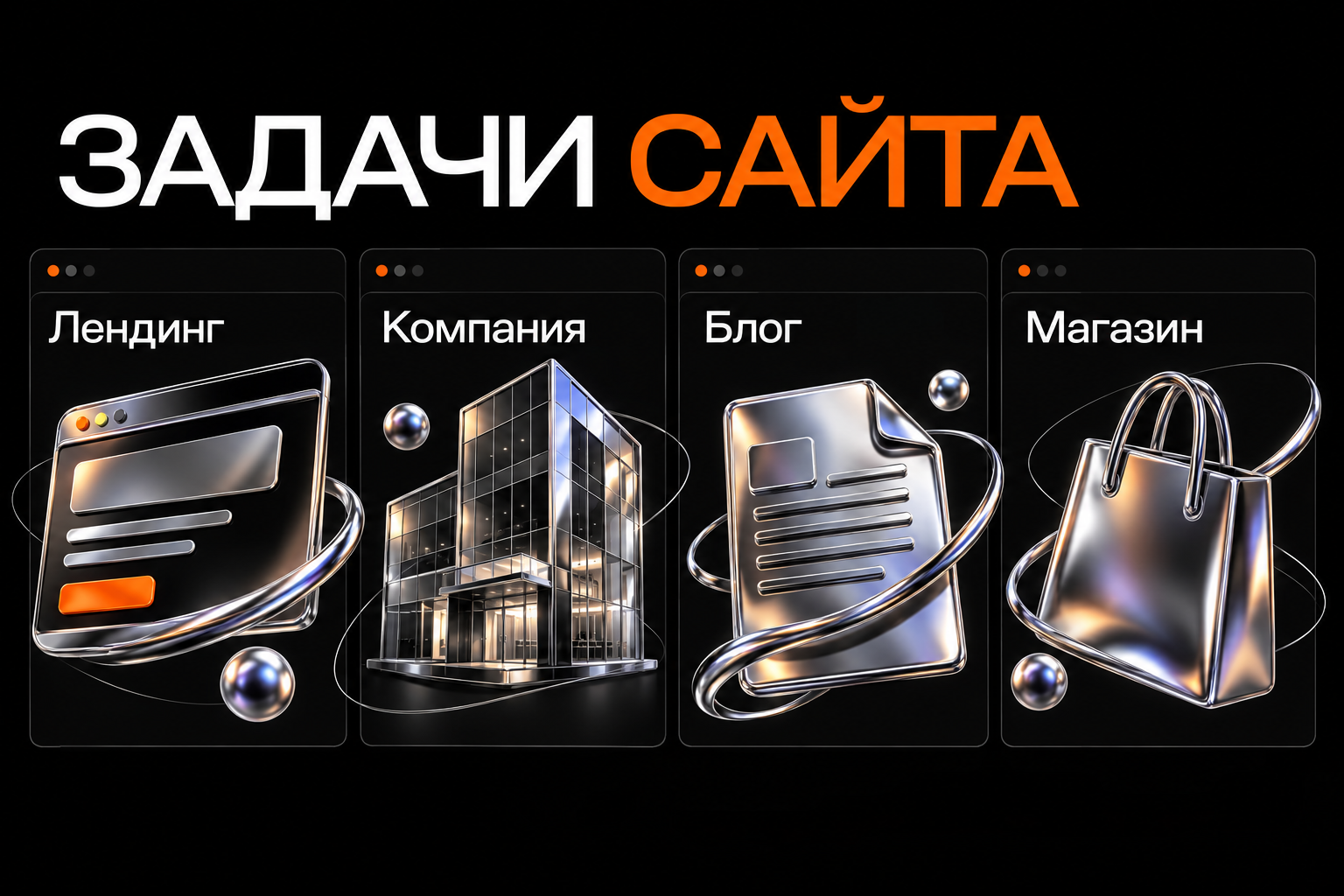
Landing pages and company websites
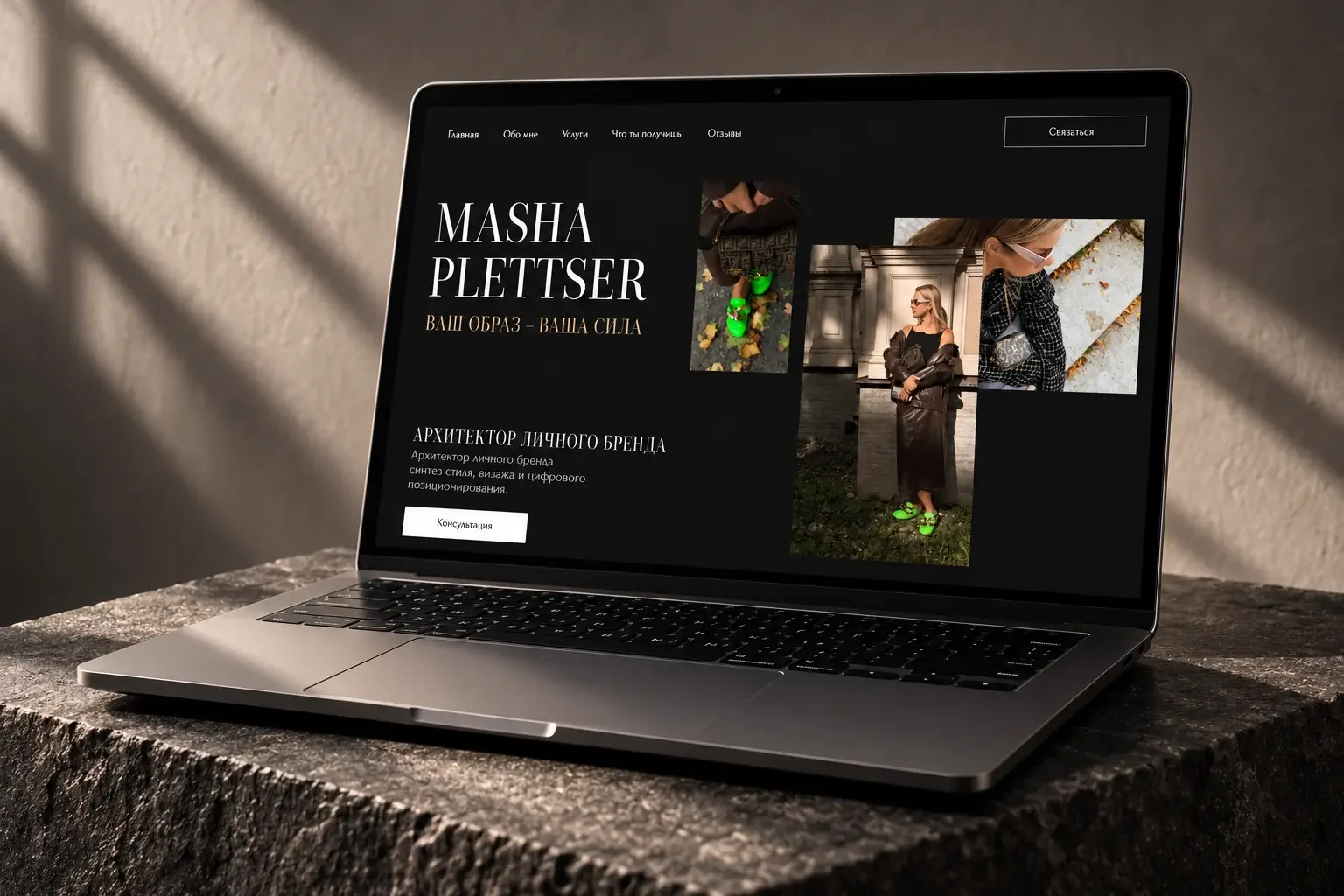
A landing page explains one offer and guides an action. A multi-page site separates services, work and company information. Both need structure, genuine content and a route to an enquiry.
A workshop may need one page for a service. Separate private and business customer journeys can explain different terms more accurately.
Blogs and content projects
Articles, guides and news can form part of a website. Decide who publishes, which categories are needed and how readers move from articles to services.
Publication count alone does not make a blog useful. Start with customers' questions and connect content with relevant sections.
Online stores
Tilda offers catalogues, a cart, payment connections and customer accounts with order history. Check compatibility for your specific store journey.
Describe the range, product variants, delivery and order processing before development. Twenty products and complex stock management need different approaches.
Working with design
Standard blocks quickly build familiar sections such as benefits, galleries, forms and contacts. Zero Block offers more freedom for individual layouts.
Freedom still requires adaptation. Long headings, unusual animation and complex graphics need smartphone checks. Navigation and buttons must stay clear.
Separate permanent elements from regularly updated content. Make prices and service descriptions editable without rebuilding the layout.
Forms, data and integrations
A form begins a process. Decide where enquiries go, who is notified and how staff respond.
List required fields and test the whole journey: submit an enquiry, find it in the connected system and check the response process. Test validation and repeated clicks separately.
Assess integrations against concrete requirements. “Connect a CRM” may mean simple contact transfer or complex synchronisation. A ready-made connector does not imply every data exchange is supported.
When to compare alternatives
Validate technically before committing if you need unusual roles, complex calculations, special backend logic or deep integration with internal systems.
Tilda may serve as one component, such as the public-facing website. Do not promise an entire service on one platform before checking limitations.
Consider plan, module and third-party dependencies. Check current documentation rather than relying on an old demo.
Agree before development
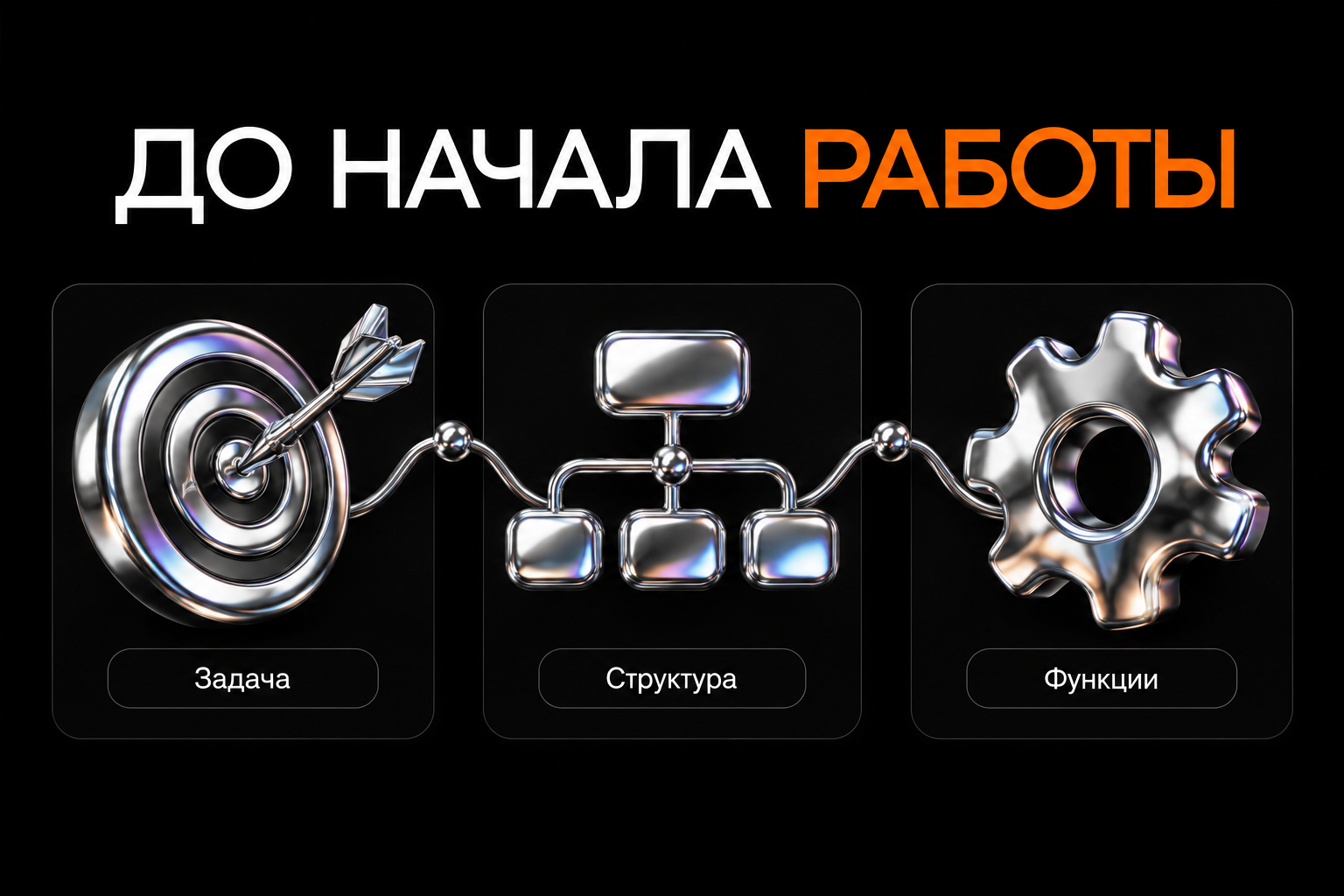
- The main visitor action and website format.
- Pages, sections and content readiness.
- Forms, orders and access journeys.
- Integrations and data responsibilities.
- Ownership of accounts, domain and payments.
- Changes the owner can make independently.
- What launch includes and what costs extra.
Ask for the riskiest feature to be demonstrated before detailed design. This avoids approving a layout for an unsupported journey.
Frequently asked questions
Can the design be unique?
Yes, particularly with Zero Block. The result depends on the project and designer, not only the builder.
Does every site need a programmer?
Native features cover many standard tasks. Special logic may require code, external services or another architecture.
Can a Tilda site be promoted in search?
You can work on structure, content and SEO settings. The platform does not guarantee rankings; useful pages and technical checks remain necessary.
Making the decision
Prepare a short brief and mandatory feature list. Check what Tilda handles natively and what needs separate development.
For a Tilda website, start with goals and structure. That makes tool selection, scope and launch planning clearer.