
5
min read
Tilda provides search settings, but SEO does not end with Title and Description. You need suitable pages, useful content and post-publication checks.
Split work into three stages: plan the structure, configure the project and observe how people find and use it.
Start with structure and content
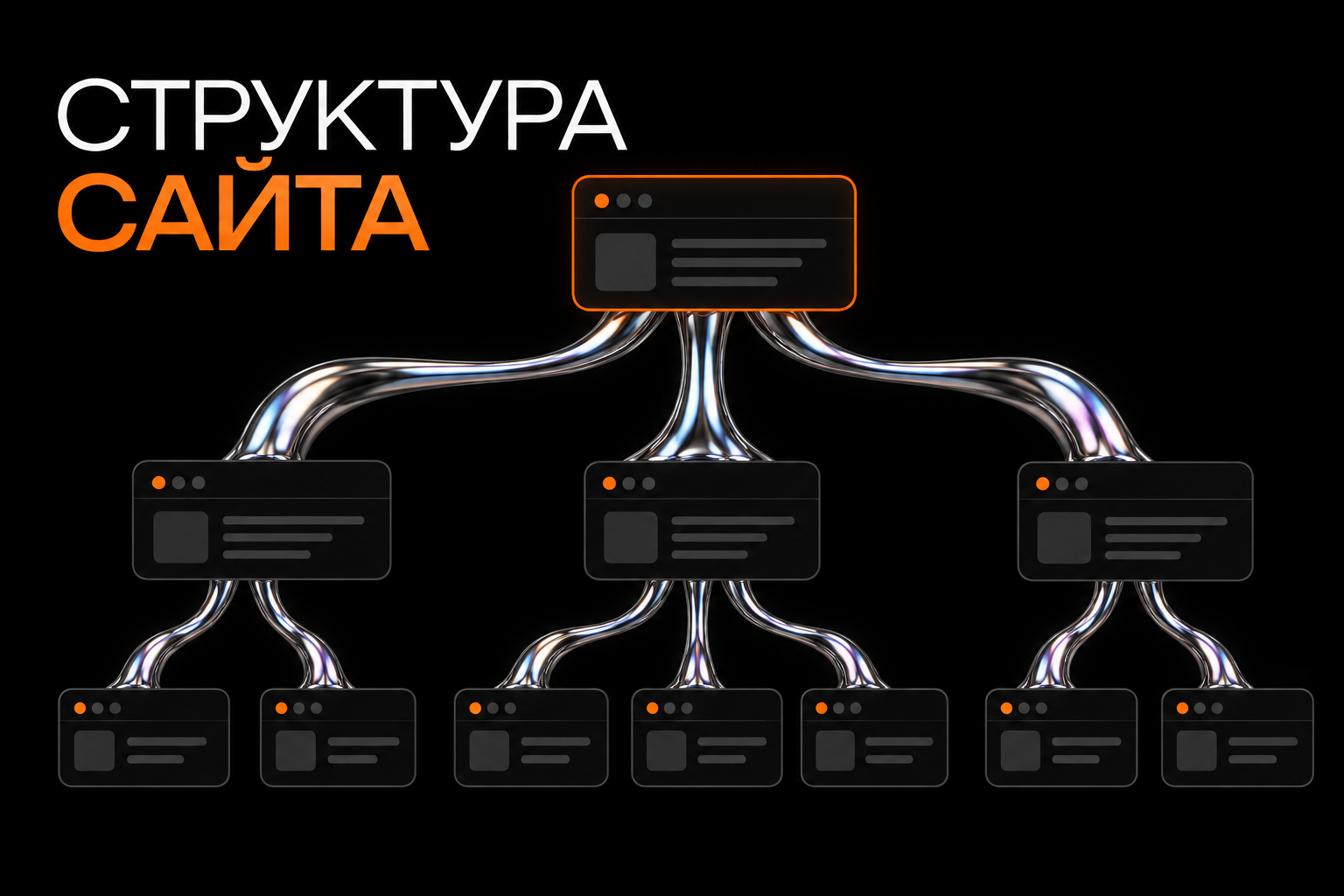
Describe services or products and audience questions, then map them to planned pages.
Do not try to promote every service through the homepage alone. Distinct offers and customer needs may be better explained on separate pages.
A separate URL is not needed for every variation of a query. Many near-identical pages cannot replace substantive work.
Service pages should explain scope, pricing, client inputs and contact. Articles should answer a specific question and connect with relevant content.
Settings to check

URLs and headings
Choose clear, stable URLs. When changing one, check links and whether a redirect is needed.
Use a clear H1 and meaningful subheadings. Organise reading rather than repeating a keyword in every section.
Title and Description
Write them separately for important pages. Title identifies the topic; Description summarises it.
Do not list every company service in every page's metadata. A specific repair page should describe that repair.
The search engine may select another description from the page, so important information must also be visible.
Images
Place graphics beside relevant text. Give informative images descriptive alt text; identify purely decorative images appropriately.
Compress files while checking quality and mobile loading. Do not place important copy only inside images.
HTTPS and the preferred version
Check secure connections and the preferred domain variant. Redirects should lead to corresponding pages.
After URL changes, update menu, button and article links. Check forms and external integrations.
Indexing and technical checks
Ensure important pages are not accidentally excluded. Test-project restrictions may be suitable initially but need review before launch.
Do not confuse robots.txt with noindex. Controlling crawling is not the same as reliably removing an HTML page from Google results. Choose the correct method for the task.
Check 404 errors and internal links. Tilda offers broken-link checks, while Yandex.Webmaster provides crawl information.
A sitemap helps discovery but does not guarantee indexing.
After publishing

Open public pages, submit test enquiries and check mobile layouts. Editor changes must be published for visitors to see them.
Connect webmaster tools and analytics if needed. Validate successful form submission or order tracking.
Review which pages receive impressions and clicks. If a query leads to an unanswered question, reassess content and offer relevance.
Developing the website
Choose new content from customers' questions rather than publishing to hit a count. Explain key services and terms before adding guides.
Connect articles with relevant sections. Links should continue the task rather than feel randomly inserted.
Update information when services, prices or processes change. Replacing the year in a heading does not make old content current.
Common Tilda SEO mistakes
- Identical metadata across all pages.
- Hiding important copy to preserve a layout.
- Changing URLs without checking old links.
- Publishing without testing forms.
- Articles unrelated to the business offer.
- Expecting guaranteed rankings from a builder.
The platform simplifies some work, but cannot define your audience or service terms.
A working plan
- Map pages to search tasks.
- Prepare content and metadata.
- Check URLs, HTTPS and images.
- Check indexing and links.
- Publish and test journeys.
- Monitor search and enquiries.
- Develop pages based on specific observations.
Frequently asked questions
Can Tilda support SEO?
It provides relevant settings and content tools. Results depend on the task, competition and project quality.
Is one SEO block enough?
No. Settings cannot replace structure, useful pages and technical checks.
Next step
For a published site, we can review pages and settings. For a new project, plan structure and SEO fields before final development.