
5
min read
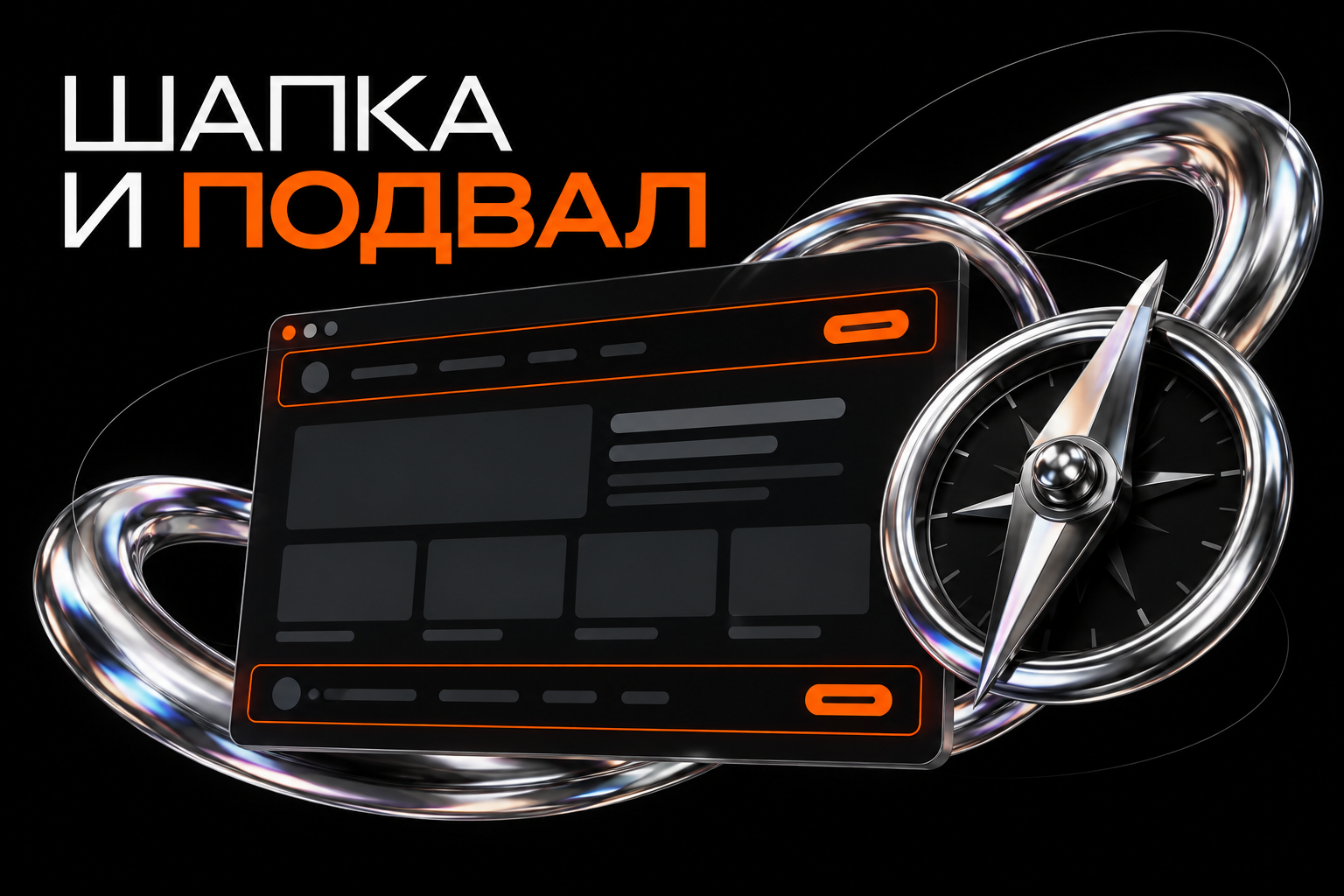
Headers and footers appear across many website pages. They help people understand where they are, reach sections and find contact details.
Design them as part of the user journey. An attractive menu cannot rescue unclear labels, and a footer is not useful merely because it contains dozens of links.
What a header does
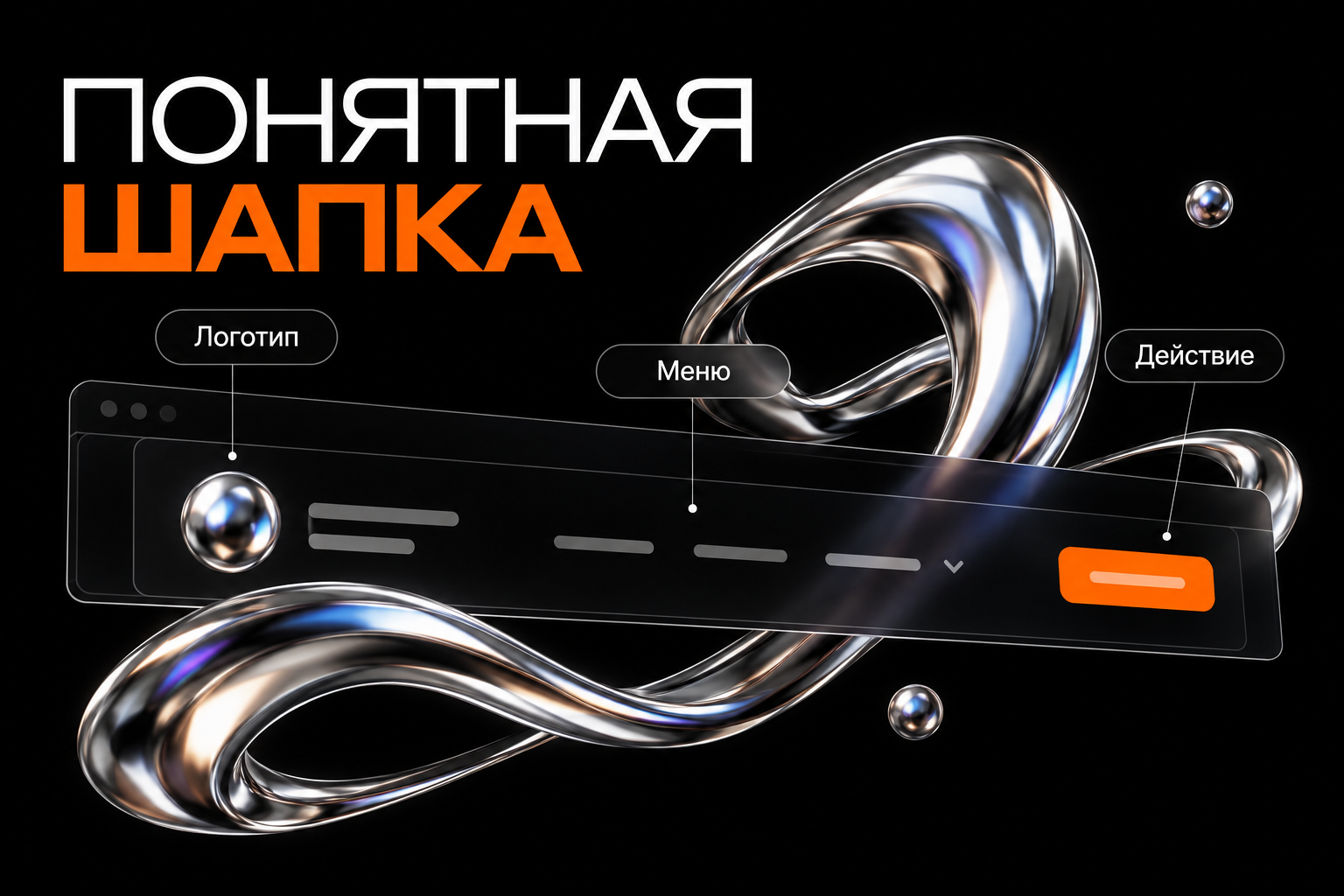
A header usually combines brand recognition, primary navigation and an important action. Visitors should quickly identify the owner and find what they need.
A store may prioritise its catalogue, search and cart. An independent professional may prioritise services, work and contact. One fixed set does not suit every project.
Logo and name
The logo often links home. Check its real-size readability and avoid taking space needed by navigation.
If the mark alone does not identify the owner, add a name. The link's accessible name should explain its destination rather than only describe the image.
The menu
Use familiar labels such as Services, Catalogue, Work and Contact. Expressive wording can support the style without turning navigation into a puzzle.
Arrange items around tasks. If most visitors need the catalogue, do not hide it inside a general Company section.
Test nested menus beyond mouse hover. Main destinations must also be available on touchscreens and with a keyboard.
The primary action
Choose a priority: book, request a quote or get in touch. Several equally prominent actions can make choosing harder.
Be specific when possible. “Request a quote” explains a button that opens a form for project details.
Do you need a fixed header?
A fixed header keeps navigation available on long pages, but occupies screen space, particularly on phones.
Check that it does not cover headings after anchor navigation or important form controls. Hide-on-scroll behaviour should be predictable.
Choose based on the journey rather than adding fixation simply because other websites use it.
What a footer does
The footer helps visitors finish browsing and find information that need not be on the opening screen: contacts, additional sections and documents.
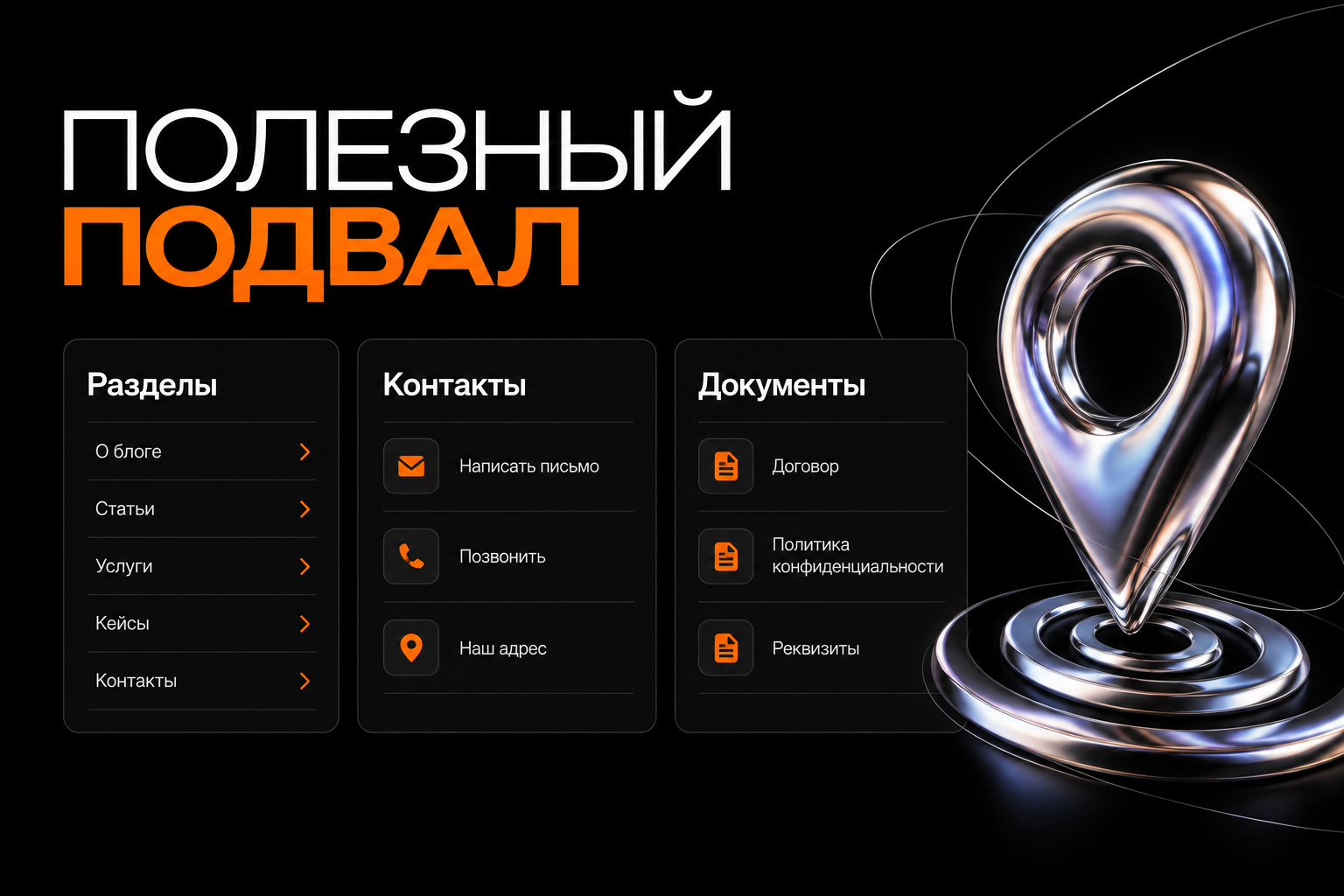
Sections and links
You need not repeat the main menu exactly. Provide convenient access to frequently needed services and content.
Group links clearly on larger sites. Avoid endless SEO keyword lists; the footer remains navigation for people.
Contact details
Show genuine contact methods and response hours if defined. Phone and email links should work on smartphones.
Do not add unrelated addresses, maps or opening hours. A remote professional may need clear contacts without a fictional office.
Documents and information
Include documents and information relevant to your project and activities. The exact requirements depend on the website and applicable rules.
A footer does not replace checking those requirements. A link alone is insufficient if its document does not open or reflect actual processes.
Mobile layout
Prioritise on narrow screens. A separate menu panel needs obvious ways to open and close it.
Check what happens after selection: navigation, scrolling or panel closure. Keyboard focus should not disappear or move into hidden UI.
Rearrange long footer columns vertically. Do not make text unreadably small to preserve a desktop composition.
Pre-launch checklist
- Links lead to current pages.
- The selected item is clear.
- Menus work with mouse, touch and keyboard.
- The panel has an accessible close action.
- Contacts work on smartphones.
- Fixed elements do not obscure content.
- Documents and utility pages open.
- Navigation remains consistent across pages.
Semantic page regions help assistive technology, but cannot correct unclear link labels.
Frequently asked questions
Should every page have the same menu?
Consistent logic usually helps. Special sections may have secondary navigation that does not conflict with the main menu.
Does a footer need to be large?
No. Its size depends on useful information and site structure.
Starting the design
List visitors' main tasks and the information they seek at the end of browsing. We can then design headers and footers that support those tasks on desktop and mobile.